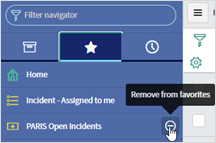
Beyond just creating an incident filter, you can make the filter a favorite. This allows you to easily navigate to your incident filters. To set up a filter, see article Setting up Filters
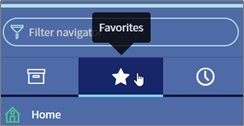
1. Go to Favorites.
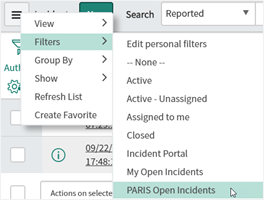
2. Click on  > Filters > PARIS Open Incidents
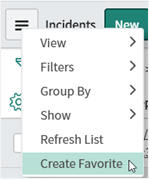
3. Click on  > Create Favorite
4. Name your favorite (it can be the same name you made your filter). Optional, pick a color and an object.
5. Click Done. Now you can see your filter in the Favorites view.
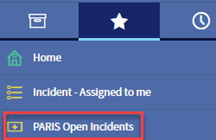
6. To remove a filter from the favorites list, click  to the right of the filter.