To delete a saved filter, follow these steps.
1. Click on List Controls > Filters > Edit personal filters
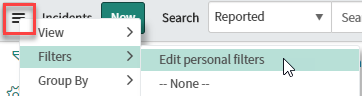
Your personal filter list will appear.
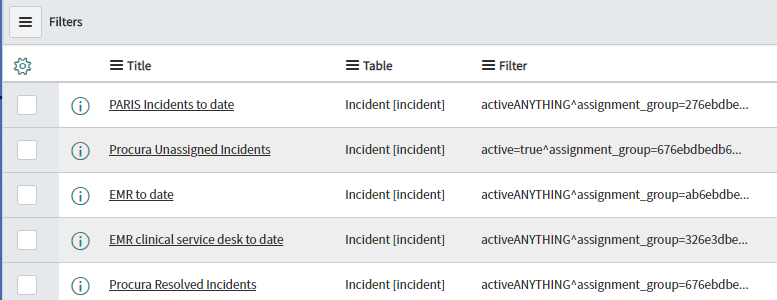
2. Check the box of the filter(s) you want delete.

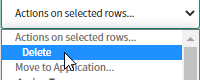
3. Choose Delete from the Actions on selected rows... drop down list at the bottom of the list.
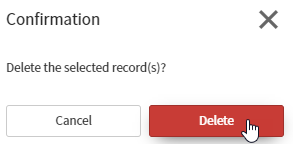
4. Click Delete to confirm.
The filter has been removed from your list.
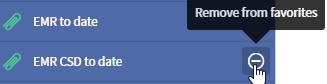
5. If you added this filter to your Favorites list, you will need to remove it from there as well.