1. Log into the phone you would like to forward. See Access and Log on article for instructions.
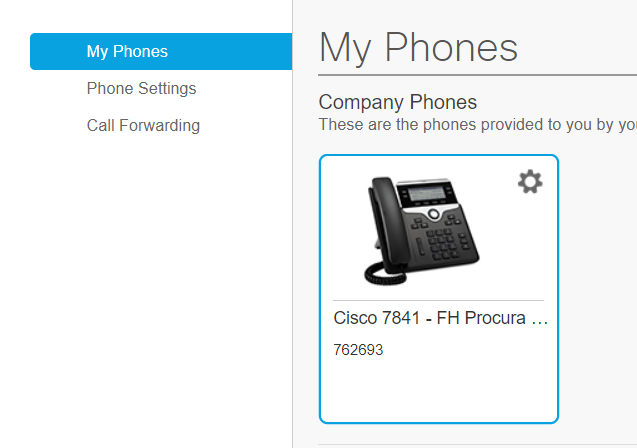
2. You will see the phone name in the My Phones view.
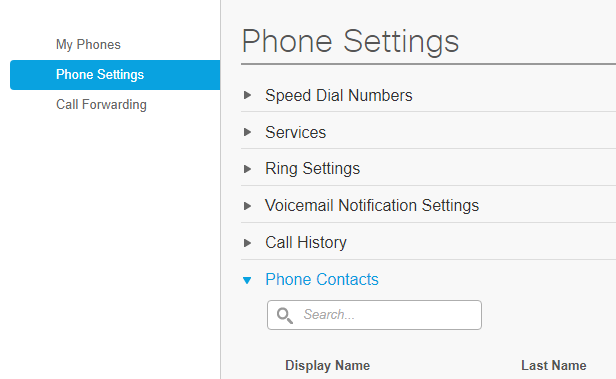
3. If there is a contact list created, the list is located in Phone Settings > Phone Contacts. You can copy the phone number of the person you would like to forward the phone to in this section.
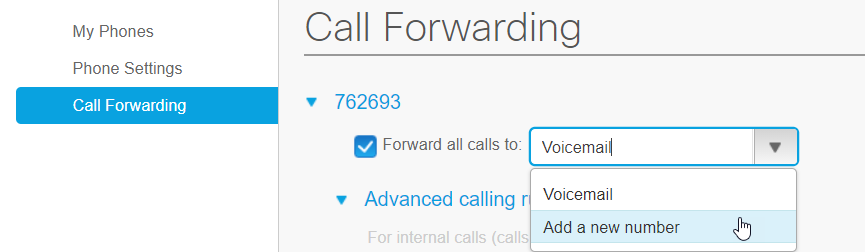
4. Select Call Forwarding, then select Add a new number.
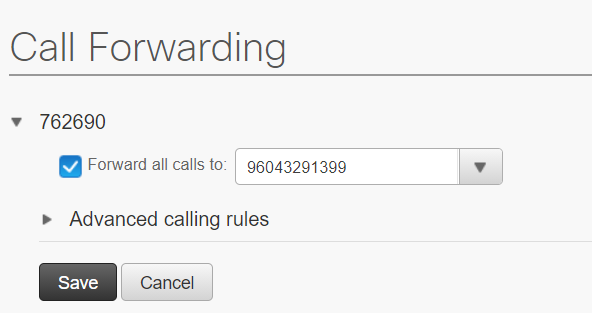
5. You can manually enter a new number or copy and paste from the phone's contact list (if set up). See Create a Contact List article .
- phone number must begin with a 9
- no spaces or characters in the number
6. Save.
7. You can test by dialing the support phone number. It should ring to the analyst's phone.