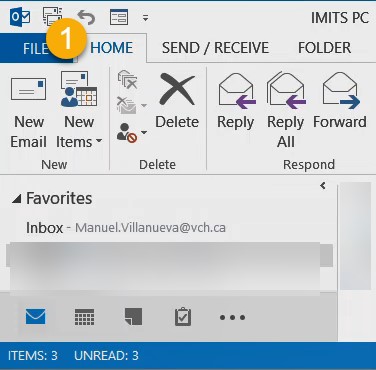
- Go to Outlook and click File
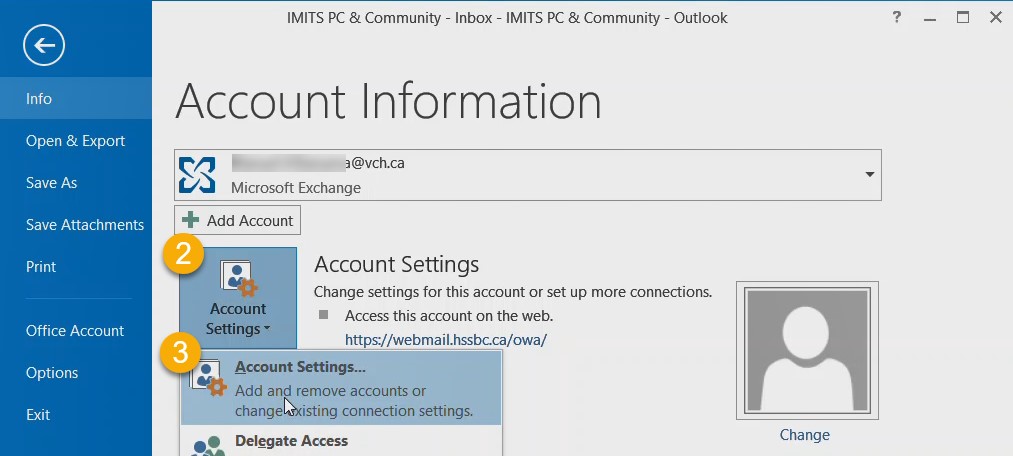
- Click Account Settings
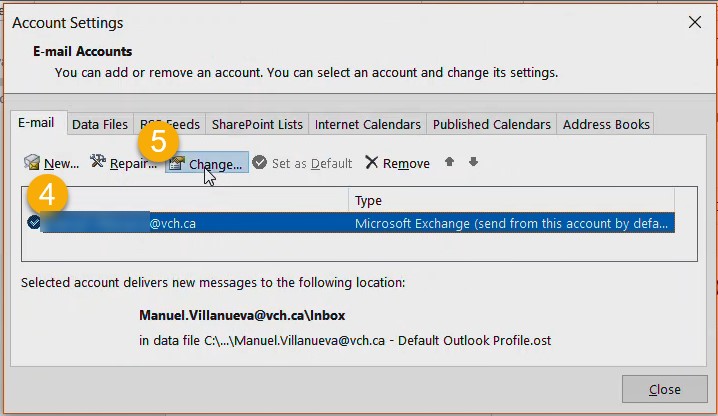
- Click your user name and Change
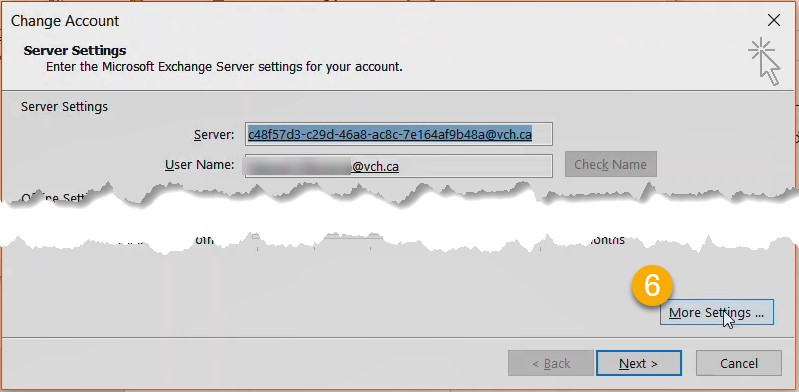
- Click More Settings
- Click Add
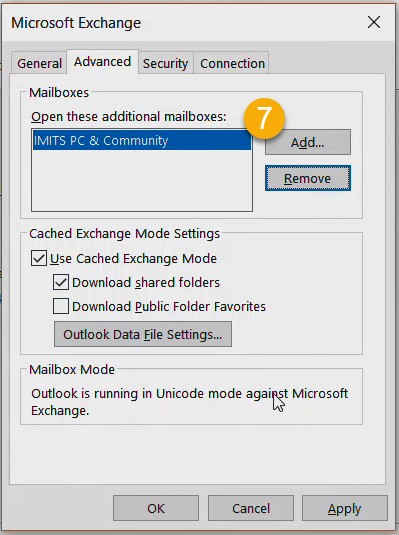
- Enter email address: ImmsBCSupport@vch.ca
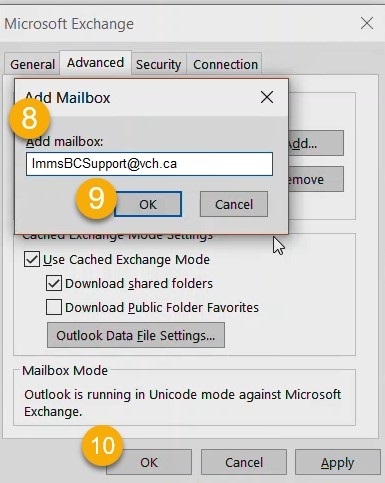
- Click OK
Inbox Maintenance Tips:
- If you look at an email but are not going to work on it, please mark it as unread
- If you are going to handle the email, please move it to the In Progress folder and/or use the categories by choosing a color renamed with your name to mark the email
- If no further action is required on an email, please move the folder to the Completed folder
- If you copy the Support email on your responses for future record, that email should also be moved to the appropriate folder