Problem
There is a bug that causes an error and inability to further edit the antenatal form when the word "type" is within the form. Using the word “type” creates a script error and unable to edit the form.
Solution
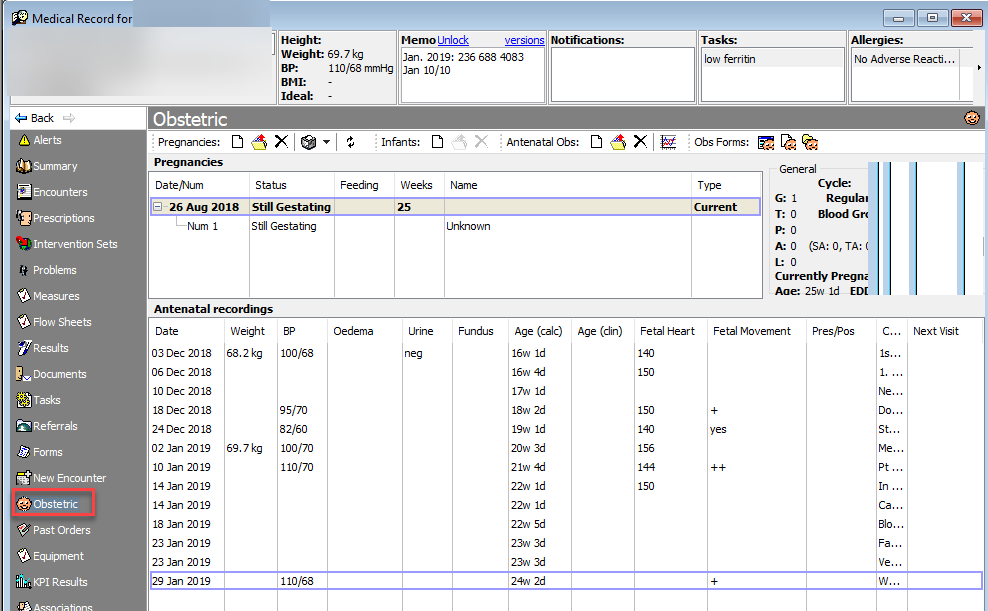
1. In Medical Record, click on Obstetric segment to open Antenatal Observations
2. Right-click on the line to be edited and select Open Antenatal Observations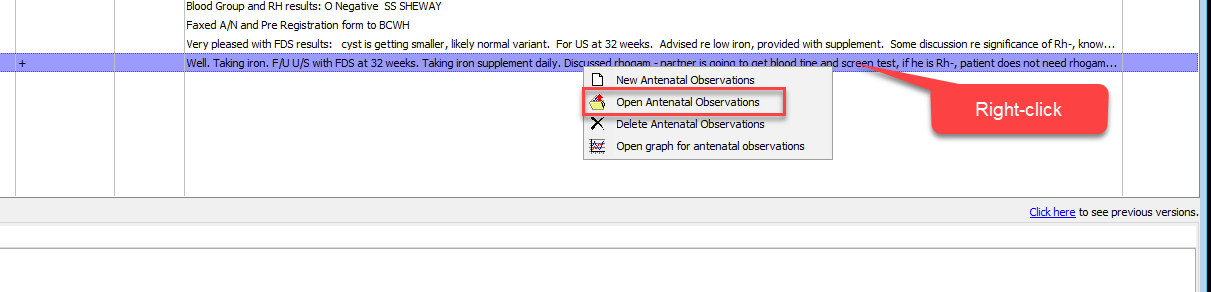
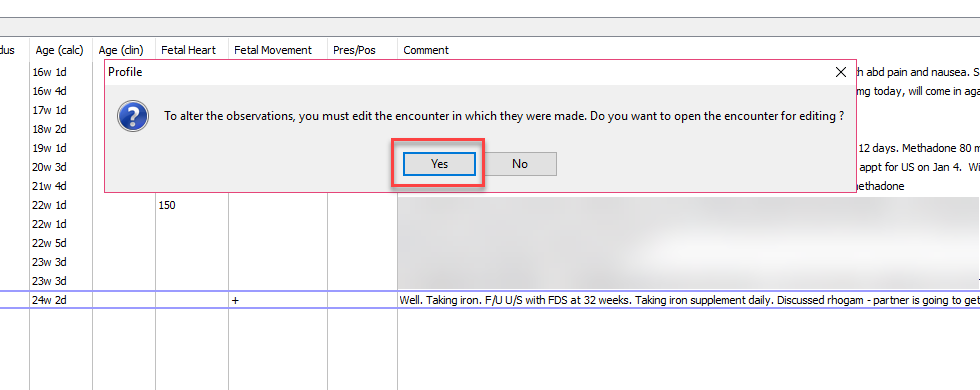
3. Click OK to the prompt that comes up to open the Encounter
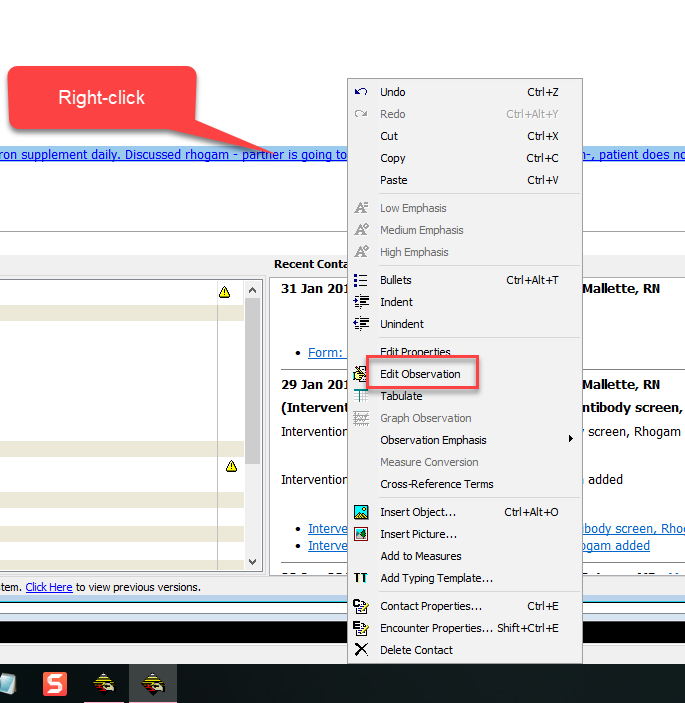
4. Right-click on the blue underlined text and select Edit Observation
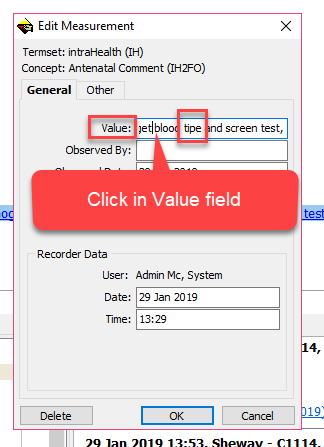
5. Select the Value field and scroll, using the arrows on the keyboard, until the word “type” is found. Change the spelling to “tipe”
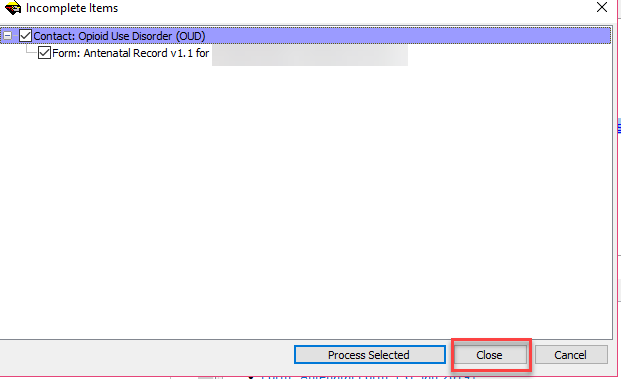
6. Close the Encounter. If the Incomplete items prompt pops up, click on Close.