View Issues Assigned to Me
View Issues Assigned to a Team Member
Allow Users to View Filters
View Issues Assigned to My Program
View Issues Almost Due and Overdue
Create Overdue filter
View All Issues/View Rank of Issues that are in Progress
View Stalled Items (Backlog)
View Vendor Bugs
View All Issues/Historic Issues
View Issues Assigned to Me
1. Select Kanban Board for PCCIS: Main for your project stream from the menu on the left hand side of JIRA.
2. Select the appropriate Quick-Filter – My Assigned for issues assigned to yourself or to a program.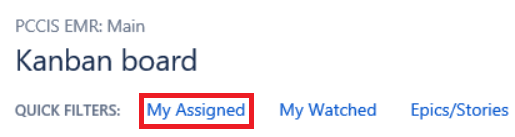
View Issues Assigned to a Team Member
1. Select Kanban Board for PCCIS: Team from the menu on the left hand side of JIRA.
2. Select the appropriate Quick-Filter – <Name of a Team member>for issues assigned to that team member.
Allow Users to View Filters
To share a filter like Issues Assigned to a Team Member
- Select Board
- Board->Configure
- Edit Filter Shares
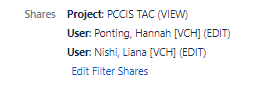
- Add Viewers: Project->PCCIS TAC->All
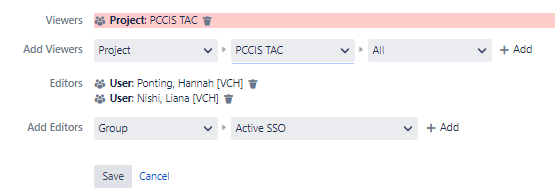
- +Add
- Save
View Issues Assigned to My Program
1. Select Kanban Board for PCCIS: Main for your project stream from the menu on the left hand side of JIRA.
2. Select the appropriate Quick-Filter for issues assigned to your program.
View Issues Almost Due and Overdue
1. Select Kanban Board for PCCIS: Main for your project stream from the menu on the left hand side of JIRA.
2. Select the appropriate Quick-Filter – Overdue for issues which are overdue.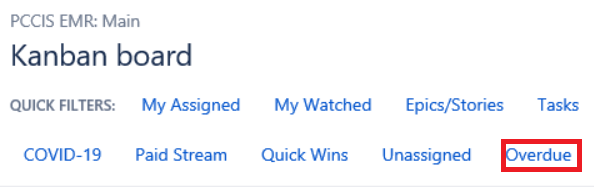
Create Overdue filter
- Board->Configure->Quick Filters
- Syntax is: duedate < now()
View All Issues/View Rank of Issues that are in Progress
1. Select the PCCIS: Main Board for your project stream from the Menu on the left hand side of JIRA.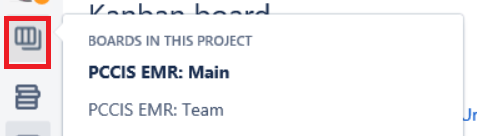
2. Select Kanban Board form the Menu on the left side of JIRA.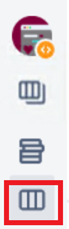
3. Find the issue in the different lanes to see at what lifecycle stage the issue is at.

View Stalled Items
1. Select the PCCIS: Team Board for your project stream from the Menu on the left hand side of JIRA.
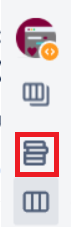
2. Select Backlog from the Menu on the left side of JIRA.
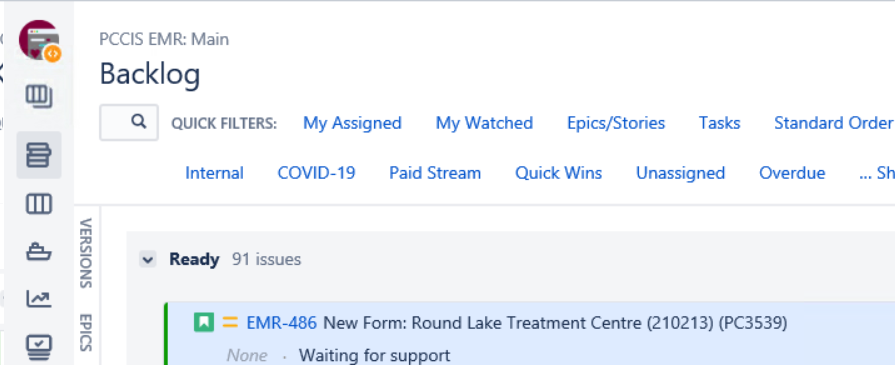
View Vendor Bugs
1. Select the PCCIS EMR: Vendor Board (Select the Vendor board applicable for your project like PARIS, etc) from the left hand side Menu in JIRA.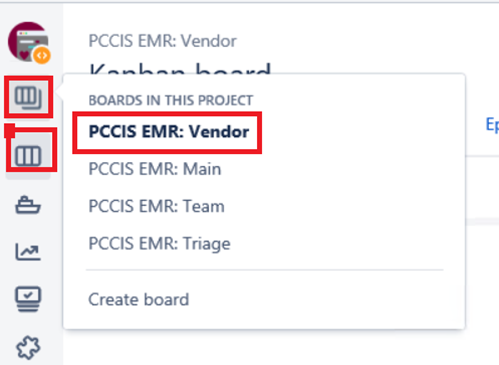
2. Select the Kanban Board by selecting this icon  from the Menu on the left hand side of JIRA.
3. Select Quick Filter Bugs/Tasks.
View Historic Issues
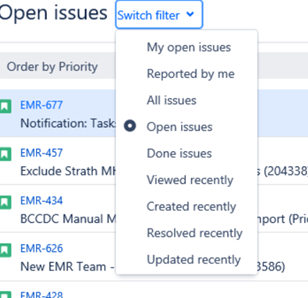
1.Select Issues from the Menu on the left hand side of JIRA.
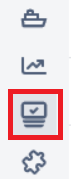
2. You may select Switch Filter to view issues.