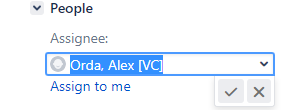
1. Search for your work item in JIRA using the DMT #.
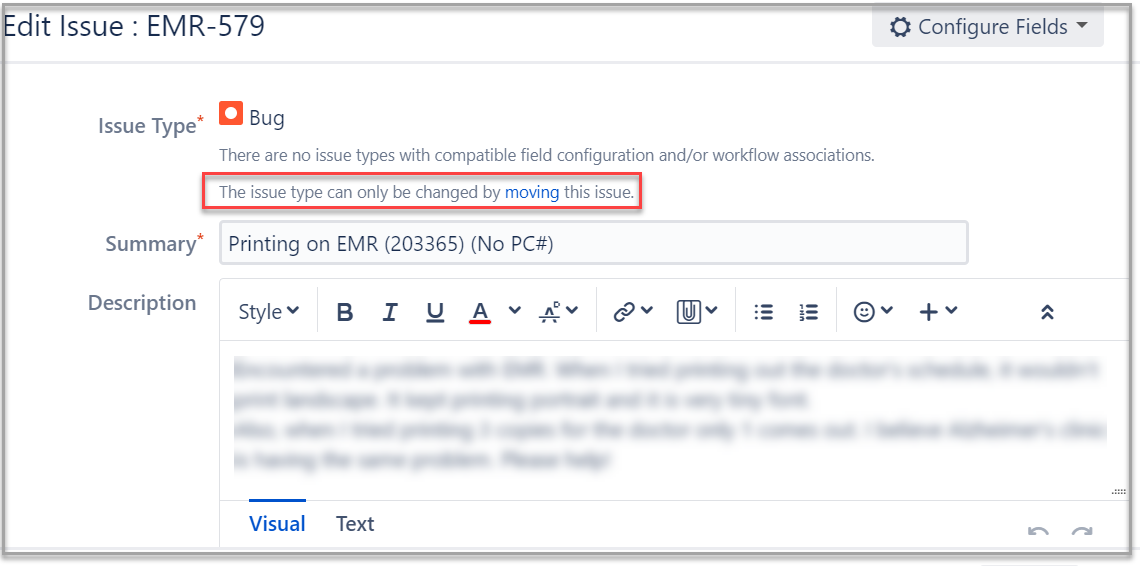
2. Click Edit.
3. Click the link that says moving within the text that says The issue type can only be changed by moving this issue.
4. Move Issue screen will pop-up. This is a 4 step process.
a. Select Task in the field New Issue Type.
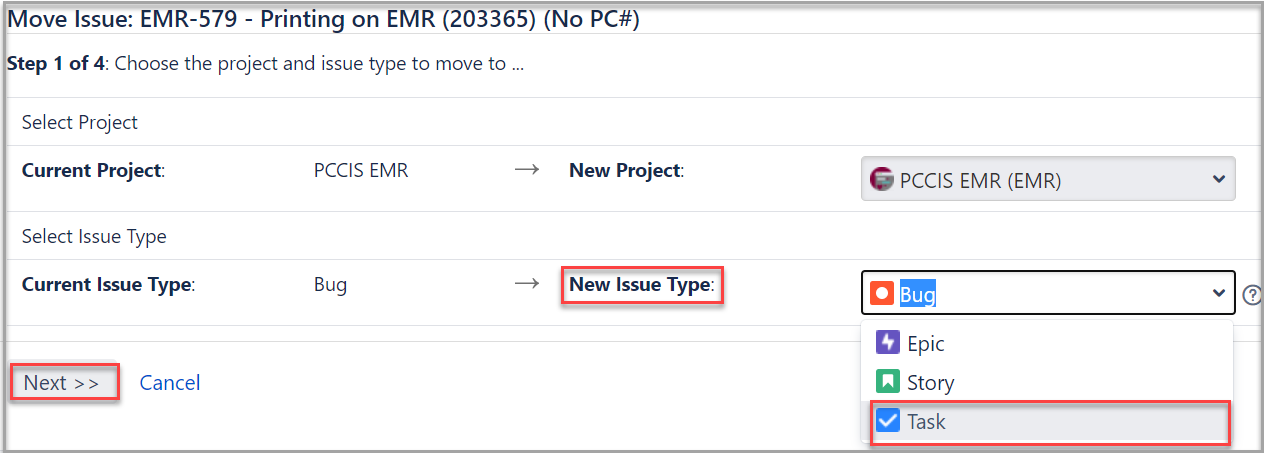
b. Click Next.
c. Next change the New Status to the appropriate value. In this example, the workitem was assigned to the Development Task in DMT so we want it to be Development Active. Click Next.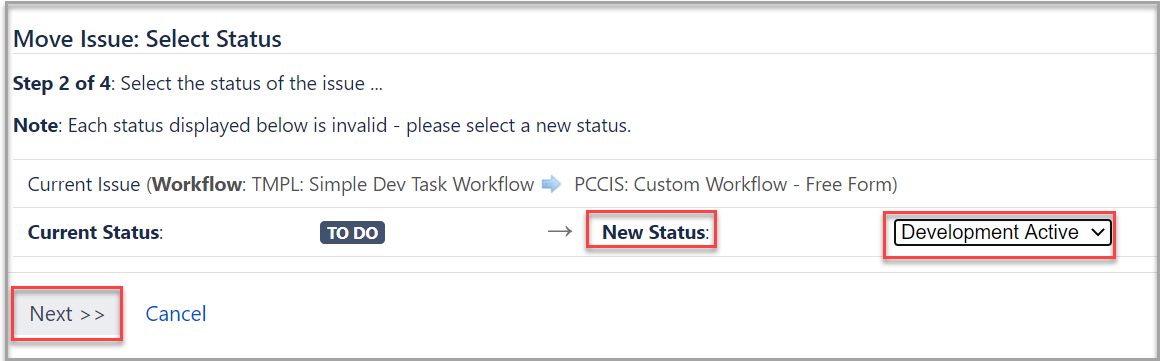
c. Click Next on the Update Fields screen.
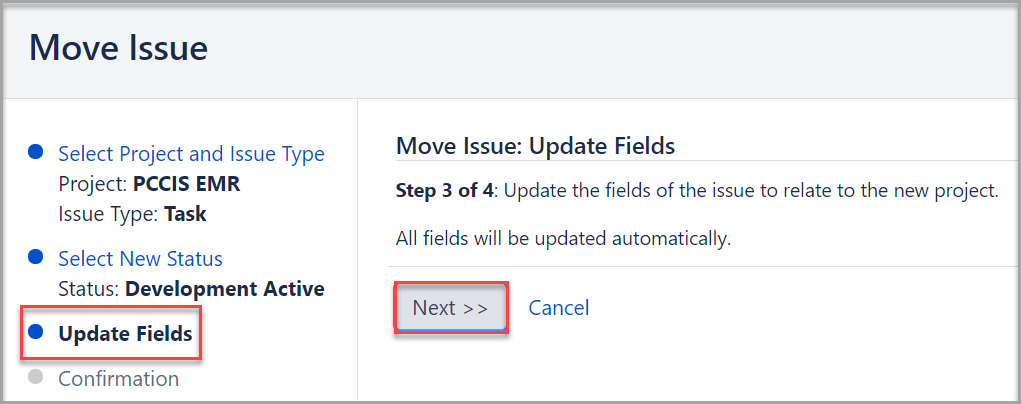
d. Click Move.
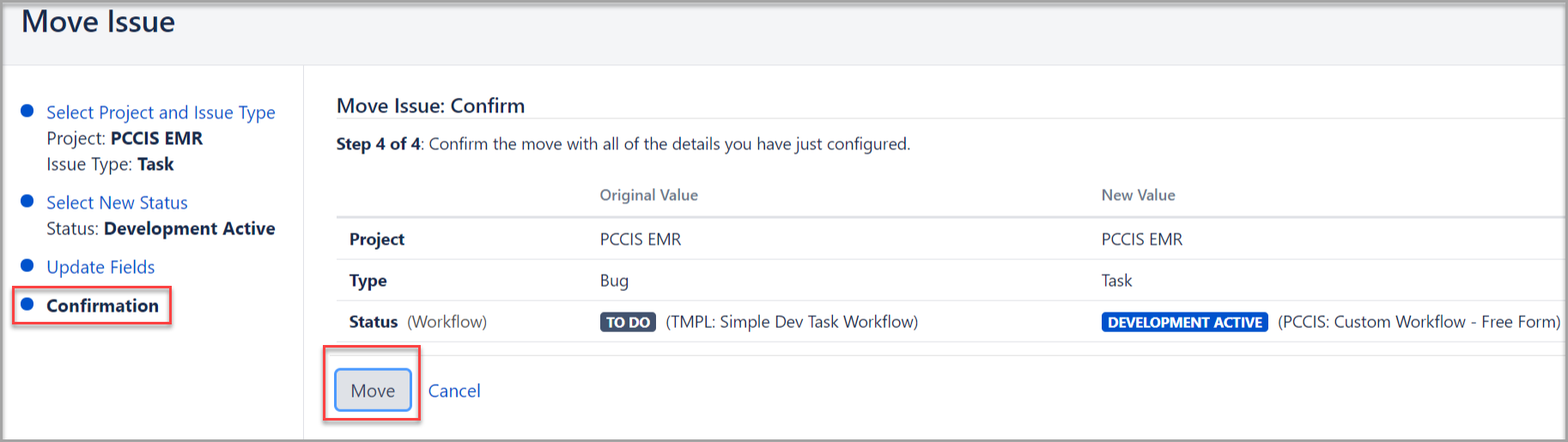
The workitem is now moved to being a task. This means it can be assigned to Analysis, Development etc and follow our development life cycles. There are two important steps left.
5. Select the Issue and click Edit again.
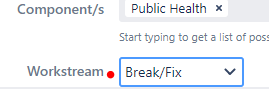
6. Select Workstream as Break/Fix.
7. Finally, change the Assignee if needed. Assign Issues and Estimating the Work (Story Set Points)